
DVD or Blu-ray Player Won't Read Discs? Troubleshooting Guide
DVD or Blu-ray player not reading discs, skipping, or showing errors? Learn how to troubleshoot common disc player problems before seeking repair.
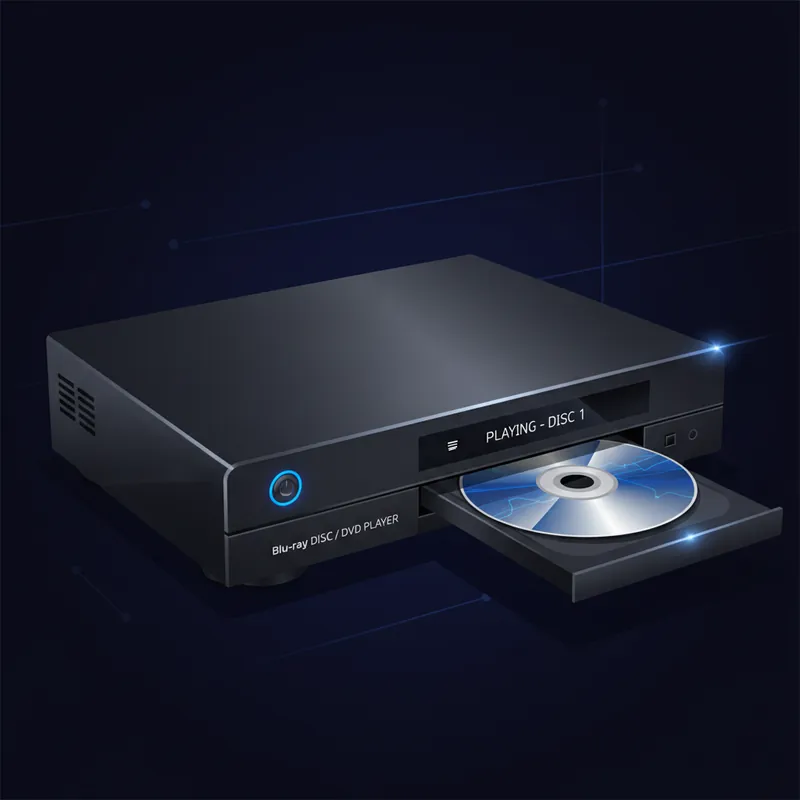
When your DVD or Blu-ray player refuses to read discs, it doesn’t necessarily mean the player is broken. Often the problem is something you can fix yourself. Here’s how to troubleshoot disc reading problems before considering repair or replacement.
Check the Disc First
Before blaming the player, examine your disc:
Disc Condition
- Scratches - Look at the shiny side under good lighting
- Fingerprints and smudges - Common cause of read errors
- Cracks - Even hairline cracks can cause problems
- Warping - Hold the disc edge-on to check for bends
- Label damage - Peeling labels can unbalance the disc
Clean Your Disc
Proper disc cleaning technique:
- Use a soft, lint-free cloth
- Wipe from the center outward in straight lines
- Never wipe in circles (this can worsen scratches)
- Use water or isopropyl alcohol for stubborn smudges
- Let the disc dry completely before inserting
Test With Other Discs
- Try several different discs
- If only one disc fails, the disc is likely the problem
- If all discs fail, the player needs attention
Player Won’t Accept Discs
When the tray won’t open or close:
Stuck Tray
- Check for obstructions in the tray
- Look for a small pinhole on the front panel (manual eject)
- Use a straightened paperclip to manually open the tray
- The belt that moves the tray may be worn or broken
Disc Already Inside
Sometimes a disc gets stuck inside:
- Try the manual eject hole
- Turn the player off, wait 30 seconds, and try again
- The player may think a disc is loaded when it isn’t
Disc Loads But Won’t Play
Check Region Compatibility
Blu-ray and DVD regions matter:
- DVD regions: 1 (US/Canada), 2 (Europe/Japan), etc.
- Blu-ray regions: A (Americas), B (Europe), C (Asia)
- Players typically only play discs from their region
- Some discs are region-free
Check Disc Format
Not all players read all formats:
- DVD players don’t play Blu-ray discs
- Older players may not read DVD-R, DVD+R, or burned discs
- 4K discs require a 4K Blu-ray player
- Check your player’s supported formats in the manual
Firmware Updates
Modern players can sometimes be updated:
- Check the manufacturer’s website for firmware updates
- Updates can add format support and fix bugs
- Usually applied via USB drive or network connection
Playback Problems
Skipping or Freezing
- Clean the disc thoroughly
- Check for scratches that may be too deep
- The laser lens may be dirty (see below)
- Try a different disc to isolate the problem
Poor Picture Quality
- Check your cable connections
- Try a different HDMI cable
- Adjust the player’s output resolution settings
- Check your TV’s input settings
No Audio
- Check cable connections
- Verify the correct audio output is selected
- Check the player’s audio settings
- Some content requires specific audio decoders
Cleaning the Laser Lens
A dirty laser lens is a common cause of read failures:
Lens Cleaning Disc
- These are available at most electronics stores
- Follow the instructions included with the disc
- Don’t overuse - once or twice is usually enough
Manual Cleaning (Advanced)
- This requires opening the player
- Use a cotton swab with isopropyl alcohol
- Gently clean the lens in a circular motion
- Let it dry completely before reassembling
Caution: Opening your player may void the warranty and exposes delicate components. If you’re not comfortable with electronics, have it professionally cleaned.
Common Hardware Failures
Laser Assembly Failure
The laser that reads the disc can wear out:
- Symptoms include inability to read any discs
- May read some disc types but not others
- Eventually fails completely
- Laser replacement is usually economical for good players
Motor Problems
Several motors keep the player running:
- Spindle motor - Spins the disc
- Tray motor - Opens and closes the tray
- Sled motor - Moves the laser across the disc
Motor problems often cause grinding noises or inconsistent operation.
Circuit Board Issues
- Power supply problems can cause erratic behavior
- Capacitor failure is common in older players
- HDMI port failure prevents video output
When to Seek Professional Help
Bring your player to a repair shop if:
- Cleaning doesn’t resolve disc reading issues
- The tray mechanism is physically broken
- You hear grinding or clicking noises
- The player powers on but doesn’t respond to controls
- You have a high-quality player worth repairing
What We Can Fix
We repair many DVD and Blu-ray player issues:
- Laser replacement - Restore disc reading capability
- Tray mechanism repair - Fix stuck or broken trays
- Capacitor replacement - Common fix for older players
- HDMI port repair - When video output fails
- Belt replacement - For tray movement issues
Whether you have a basic DVD player or a high-end Blu-ray system, we can diagnose the problem and give you an honest assessment of repair options.
Is Repair Worth It?
Consider these factors:
- Basic DVD players are inexpensive to replace
- Mid-range Blu-ray players often worth repairing
- High-end players and AV receivers definitely worth repairing
- Players with extensive disc collections may justify repair
- We’ll tell you honestly if replacement makes more sense
Having trouble with your disc player? Bring it in for a free diagnosis and we’ll help you decide the best path forward.
Tags:
Need Professional Help?
If you've tried these troubleshooting steps and your device still isn't working, we're here to help. Bring it in for a free diagnosis - we'll figure out what's wrong and give you a clear estimate before any work begins.
Get a Free Diagnosis