
When to Replace vs Repair Your Electronics
Should you repair that broken TV or buy a new one? Learn how to decide when electronics repair makes sense and when replacement is the better choice.
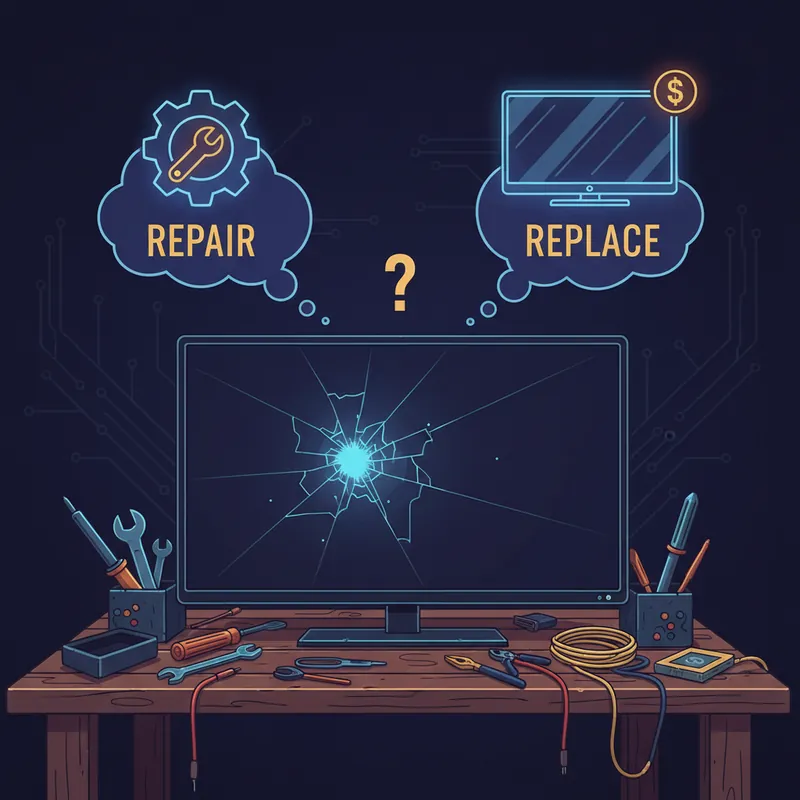
When your TV stops working or your computer starts acting up, you face a decision: repair it or replace it? There’s no universal answer - it depends on several factors. Here’s how to make the right choice.
The 50% Rule
A common guideline: if repair costs exceed 50% of replacement cost, consider buying new. But this oversimplifies the decision.
When to ignore the 50% rule:
- Vintage or collectible equipment with sentimental value
- High-end equipment where used replacements cost more
- Environmental concerns
- Unique features not available in new models
- Items with remaining warranty or protection plans
Factors to Consider
Age of the Device
Less than 2 years old:
- Almost always worth repairing
- May still be under warranty
- Many years of useful life remaining
- Modern features still current
2-5 years old:
- Usually worth repairing if repair costs are reasonable
- Consider the device’s original quality
- Check if newer models offer significant improvements
5-10 years old:
- Evaluate repair cost carefully
- Other components may be aging too
- Technology may have advanced significantly
- Consider the “cascade failure” risk
Over 10 years old:
- Repair mainly makes sense for high-end or vintage items
- Multiple components may be reaching end of life
- Parts availability may be limited
Original Quality
Not all electronics are created equal:
Budget devices:
- Often not worth repairing
- May cost more to repair than replace
- Built with lower-quality components
- Short expected lifespan anyway
Mid-range devices:
- Repair often makes sense
- Generally have better components
- Often worth a repair or two over their lifetime
High-end devices:
- Almost always worth repairing
- Premium components last longer
- Replacement costs are high
- Quality may exceed current budget options
Type of Repair Needed
Commonly worthwhile repairs:
- Power supply replacement
- Capacitor replacement
- Belt replacement (turntables, VCRs)
- Screen replacement (sometimes)
- Connector/port repairs
Often not worthwhile:
- Main board replacement
- Major display damage
- Water damage (sometimes recoverable)
- Multiple simultaneous failures
- Structural damage
Parts Availability
Consider whether parts are actually available:
- Mainstream brands usually have parts available longer
- Obscure brands may have limited parts
- Older equipment may require used parts
- Some parts can be sourced from donor units
Specific Device Guidelines
TVs
Repair when:
- Power supply failure (very common, affordable fix)
- Single backlight issue
- Input/port problems
- TV is less than 5 years old
- It’s a large or high-end model
Replace when:
- Major panel damage (cracked screen)
- TV is over 8 years old and has major issues
- Multiple problems simultaneously
- Repair cost exceeds $300-400 on a budget TV
Computers
Repair when:
- Power supply failure
- RAM or storage issues
- Cooling problems
- Individual components fail
- The rest of the system is good
Replace when:
- Motherboard failure on older systems
- Multiple components failing
- System no longer meets your needs
- Repair cost exceeds a decent refurbished replacement
Audio Equipment
Repair when:
- Vintage or high-end equipment
- Capacitor issues (very common in older units)
- Power supply problems
- Control/switch issues
- Belt-driven mechanisms
Replace when:
- Budget speakers with blown drivers
- Obsolete connection standards
- Major physical damage
Gaming Consoles
Repair when:
- Disc drive issues
- HDMI port damage
- Power supply failure
- Overheating issues
- Console is still current generation
Replace when:
- Major board failure
- Console is multiple generations old
- Repair cost exceeds used console prices
The Environmental Consideration
Electronics replacement creates e-waste. Consider:
- Proper recycling of old devices
- The environmental cost of new production
- Extending life of repairable items
- Supporting repair over replacement when practical
Repair is almost always the more sustainable choice when feasible.
Questions to Ask Your Repair Shop
Get the information you need to decide:
- What exactly is wrong?
- What’s the repair cost?
- Are there other potential issues?
- How long will the repair last?
- Is this a common failure for this model?
- Would you repair this if it were yours?
A good repair shop will give honest answers, even if it means recommending replacement.
Our Honest Approach
When you bring something to us, we’ll tell you:
- Exactly what’s wrong
- What repair will cost
- Whether we think repair is worthwhile
- If we see other potential problems
- Our honest recommendation
We’d rather earn your trust with honest advice than make a quick repair on something that should be replaced. If repair doesn’t make sense, we’ll tell you - and we won’t charge for that diagnosis.
The Decision
Ultimately, consider:
- Financial comparison (repair cost vs replacement cost)
- Environmental impact
- Sentimental value
- Your specific needs
- Quality of potential replacements
There’s no shame in replacing something that’s genuinely reached end of life. But there’s satisfaction in keeping good equipment running - and often saving money in the process.
Not sure whether to repair or replace? Bring it in for a free diagnosis and we’ll give you an honest assessment to help you decide.
Tags:
Need Professional Help?
If you've tried these troubleshooting steps and your device still isn't working, we're here to help. Bring it in for a free diagnosis - we'll figure out what's wrong and give you a clear estimate before any work begins.
Get a Free Diagnosis