
Proper Storage for Vintage Electronics
Learn how to store vintage audio equipment, computers, and electronics properly to preserve them for years to come. Avoid common storage mistakes.
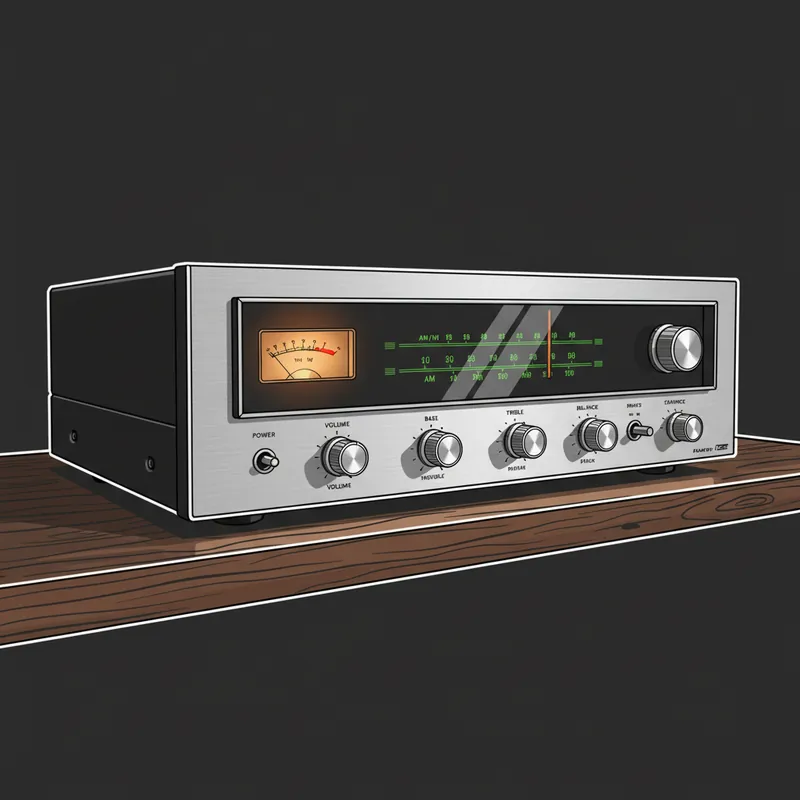
Whether you’re storing a vintage stereo receiver, a classic computer, or audio equipment you’re not currently using, proper storage makes the difference between equipment that works when you need it and equipment that’s been ruined by neglect. Here’s how to store vintage electronics properly.
Why Storage Matters
Electronics don’t just sit safely while stored. They face several threats:
- Humidity - Causes corrosion and rust
- Temperature extremes - Damage components and plastics
- Dust - Attracts moisture and causes shorts
- Pests - Mice and insects love electronics
- Component degradation - Some parts fail just sitting
Proper storage protects against all of these.
Climate Control is Critical
Temperature
- Store at room temperature (60-75°F ideal)
- Avoid attics (extreme heat in summer)
- Avoid garages in hot climates
- Avoid unheated spaces in cold climates
- Temperature swings are worse than steady temperatures
Humidity
- Ideal relative humidity: 30-50%
- High humidity causes corrosion
- Low humidity can crack plastics and rubber
- Use dehumidifiers in damp spaces
- Silica gel packets help in enclosed spaces
What NOT to Store In
- Attics (temperature extremes)
- Damp basements (humidity)
- Unheated garages (temperature and humidity)
- Near exterior walls (temperature fluctuation)
- Near windows (sunlight damage)
Preparation Before Storage
Clean Everything
- Remove dust inside and out
- Clean controls and switches
- Remove batteries (they leak)
- Clean connector contacts
- Treat leather and wood appropriately
Remove Hazards
Always remove batteries - even quality batteries leak over time, causing severe damage.
Remove tubes from tube equipment - Store them separately, padded, to prevent breakage.
Remove rubber bands - They degrade and become sticky.
Remove backup batteries - CMOS batteries in computers will die and leak.
Document the Setup
- Take photos of cable connections
- Note settings and switch positions
- Keep manuals with the equipment
- Write down any known issues
Physical Protection
Original Packaging
If you have it, original packaging is ideal:
- Designed specifically for the item
- Proper cushioning already in place
- Protects against dust and light
Alternative Packing
Without original packaging:
- Wrap in clean cotton cloth (not plastic directly against surfaces)
- Use bubble wrap over the cloth layer
- Place in cardboard boxes with cushioning
- Avoid packing peanuts touching electronics
- Don’t stack heavy items on top
Covers and Cases
- Use dust covers when available
- Place cotton sheets over equipment
- Don’t use plastic sheeting directly (traps moisture)
- Cover but allow some air circulation
Specific Equipment Types
Tube Amplifiers and Receivers
- Remove tubes and store separately
- Pack tubes individually with padding
- Label which tube goes where
- Store the chassis upright (same orientation as use)
- Don’t store on its back (transformers are heavy)
Turntables
- Remove the platter and pack separately
- Remove and protect the cartridge
- Remove or secure the tonearm
- Remove the belt (they stretch and degrade)
- Protect the dust cover from scratches
Reel-to-Reel Decks
- Remove belts if possible
- Clean and degauss heads before storage
- Store tapes separately in proper conditions
- Protect tape path from dust
Vintage Computers
- Remove CMOS batteries
- Remove any media (floppies, CDs)
- Clean dust from inside
- Remove expansion cards if storing long-term
- Keep original software and manuals
CRT Televisions and Monitors
- Very heavy - store securely
- Don’t store face down
- Protect the screen from scratches
- These contain hazardous materials - don’t discard improperly
Checking Stored Equipment
Periodic Inspection
Every 6-12 months:
- Check for signs of pests
- Look for moisture or corrosion
- Verify silica gel packets aren’t saturated
- Check that nothing has shifted or fallen
Before Use After Storage
- Inspect visually before powering on
- Check for obvious damage or corrosion
- Replace electrolytic capacitors in tube equipment before first use (they dry out)
- Power on gradually if possible
- Have vintage equipment professionally checked before full use
Long-Term Storage Warnings
Electronics stored for years face specific issues:
- Electrolytic capacitors dry out - Major concern for tube equipment
- Rubber parts degrade - Belts, rollers, seals
- Lubricants dry up - Motors and mechanisms may seize
- Plastics deteriorate - Some vintage plastics become brittle
- Solder joints fail - Temperature cycling causes cracks
Equipment stored for more than 5 years should be professionally inspected before use.
When You’re Ready to Use Again
Before powering up long-stored equipment:
- Visual inspection for damage
- Check for pest evidence
- Replace batteries if needed
- Have capacitors checked (especially tube equipment)
- Consider a professional checkup for valuable items
We frequently service vintage equipment that’s coming out of storage. A checkup before use can prevent damage from weak capacitors or other degraded components.
Our Restoration Services
If you have vintage equipment that needs attention after storage, we can help:
- Capacitor replacement - Essential for tube equipment
- Belt replacement - For turntables and tape decks
- Cleaning and lubrication - Restore smooth operation
- Full restoration - Bring vintage equipment back to spec
Have vintage electronics you want to preserve or restore? Contact us for advice on storage or to schedule a restoration consultation.
Tags:
Need Professional Help?
If you've tried these troubleshooting steps and your device still isn't working, we're here to help. Bring it in for a free diagnosis - we'll figure out what's wrong and give you a clear estimate before any work begins.
Get a Free Diagnosis