
Vintage Video Game Console Care: Preserving Gaming History
Own an NES, SNES, Sega Genesis, or other classic console? Learn how to maintain and care for vintage gaming hardware to keep it running.
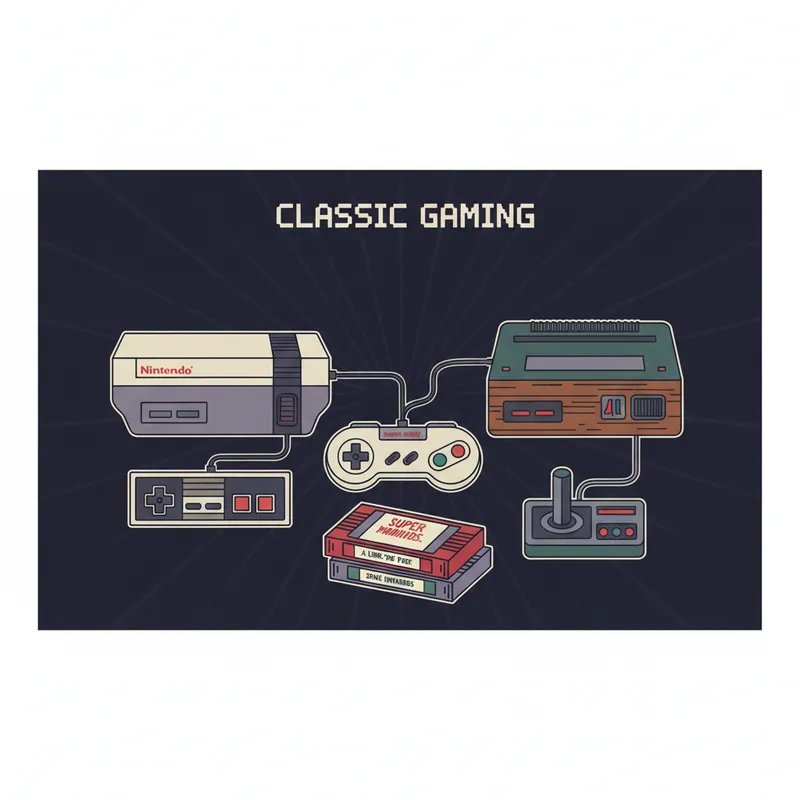
The classic gaming consoles of the 1980s and 1990s - Nintendo NES, SNES, Sega Genesis, PlayStation 1 - are now decades old. These machines have brought joy to millions and represent important gaming history. With proper care, they can continue to work for decades more.
Common Vintage Console Issues
Cartridge-Based Consoles
NES (Nintendo Entertainment System):
- Blinking power light (most common issue)
- Cartridge pin connector wears out
- Power supply failures
- Video/audio problems
SNES (Super Nintendo):
- More reliable than NES
- Yellowing plastic (cosmetic)
- Capacitor issues in older units
- Power jack problems
Sega Genesis:
- Generally reliable
- Volume slider issues (Model 1)
- Expansion port problems
- Power supply failures
Nintendo 64:
- Controller stick wear
- Expansion Pak issues
- Generally reliable console
Disc-Based Consoles
PlayStation 1:
- Laser dies (very common)
- Lid switch failures
- Capacitor issues
- Overheating in later models
Sega Saturn:
- Laser assembly problems
- Internal battery dies (loses saved games)
- Relatively reliable otherwise
Sega Dreamcast:
- GD-ROM drive failures
- Controller port issues
- Power supply problems
Cleaning Your Console
External Cleaning
- Unplug before cleaning
- Use microfiber cloth slightly dampened
- Q-tips for crevices
- Isopropyl alcohol for stubborn grime
- Don’t let liquid enter openings
Yellowed Plastic (Retrobright)
Many consoles yellow with age:
- UV light and hydrogen peroxide can reverse it
- Results vary
- Can damage plastic if done wrong
- Consider accepting patina as character
Controller Cleaning
- Open carefully (special screwdrivers often needed)
- Clean contacts with isopropyl alcohol
- Clean button membranes
- Reassemble carefully
Cartridge Care
Cleaning Cartridges
Do:
- Clean contacts with isopropyl alcohol
- Use lint-free cloth or cotton swabs
- Let dry completely before use
- Clean when games don’t work
Don’t:
- Blow on cartridges (moisture causes corrosion)
- Use erasers (too abrasive)
- Use harsh chemicals
- Submerge in liquid
Cartridge Battery Replacement
Many cartridges have save batteries:
- CR2032 is common
- Batteries last 15-25 years
- Dead battery = lost saves
- Can be replaced with soldering
Storage and Environment
Proper Storage
- Keep in climate-controlled space
- Avoid direct sunlight
- Store with dust covers
- Don’t stack heavy items on consoles
- Keep controllers’ cords loosely coiled
Environmental Factors
- Humidity causes corrosion
- Heat damages components
- Sunlight fades and yellows
- Dust accumulates inside
Power and Display Considerations
Power Supplies
- Use original or quality replacement PSUs
- Voltage and polarity must match exactly
- Cheap adapters can damage consoles
- Consider upgraded power supplies for reliability
Video Output
Modern TVs present challenges:
- Composite video looks poor on modern TVs
- RGB/S-Video improves quality significantly
- HDMI adapters/converters available
- RetroTINK, OSSC, and similar devices help
- CRT TVs give authentic experience
When to Seek Repair
Console Won’t Power On
- Check power supply first
- Try different outlet
- May be internal fuse or power regulator
- Likely needs professional diagnosis
No Video Output
- Check cables and connections
- Try different cables
- May be video chip or capacitor issue
- Professional repair often needed
Disc Read Errors
- Clean disc first
- Clean laser lens carefully
- Laser may need replacement
- Pot tweaks are temporary fixes
Cartridge Issues
- Clean cartridge contacts
- Clean console’s cartridge slot
- Bent pins may need straightening
- Connector replacement possible (NES especially)
Preventive Maintenance
Regular Tasks
- Dust externally
- Check cables for damage
- Clean cartridge/disc slots periodically
- Exercise controls occasionally
Periodic Deep Maintenance
- Internal dust cleaning
- Capacitor inspection
- Contact cleaning
- Lubrication of mechanical parts
Our Retro Gaming Services
We service vintage gaming consoles:
- NES pin connector replacement/cleaning
- Laser replacement for disc-based consoles
- Capacitor replacement for aging units
- Controller repair and stick replacement
- Video modification for better output
- General troubleshooting and repair
Whether it’s your childhood NES or a recent retro gaming acquisition, we can help keep it running.
Preserving Gaming History
These consoles represent important cultural artifacts. The games, the memories, the era they represent - all worth preserving. Proper care ensures these machines survive for future generations to experience.
Have a classic console that needs attention? Bring it in and we’ll help you keep gaming history alive.
Tags:
Need Professional Help?
If you've tried these troubleshooting steps and your device still isn't working, we're here to help. Bring it in for a free diagnosis - we'll figure out what's wrong and give you a clear estimate before any work begins.
Get a Free Diagnosis