
Why Electronics Fail: Understanding Common Causes
Ever wonder why your electronics stop working? Learn about the common causes of electronics failure and how to prevent premature breakdowns.
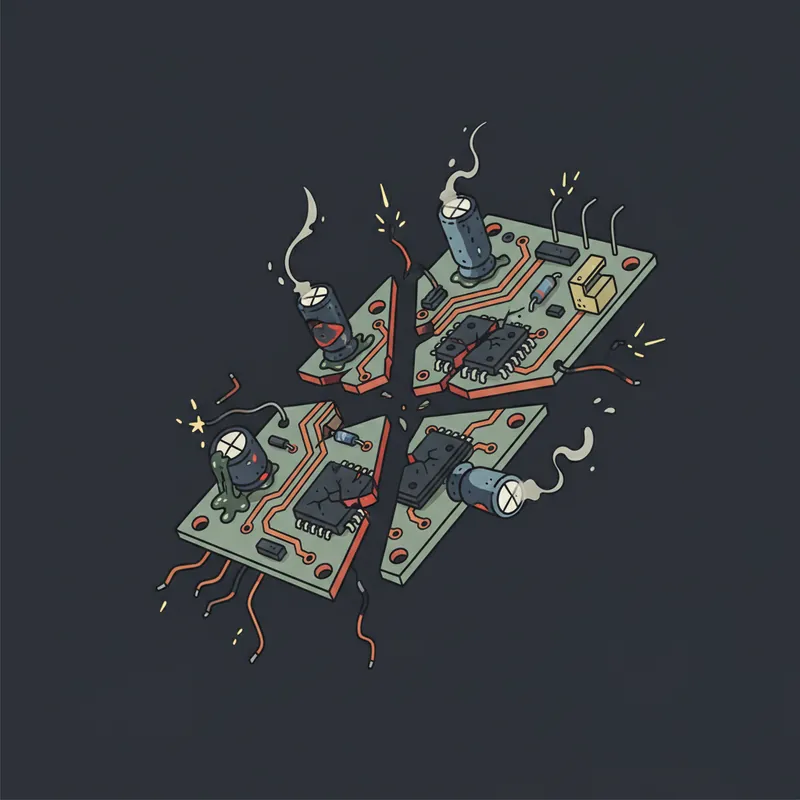
Electronics don’t last forever, but they often fail sooner than they should. Understanding why electronics fail can help you prevent problems, make better purchasing decisions, and know when repair makes sense. Here are the most common causes of electronics failure.
Heat: The Silent Killer
Heat is the primary enemy of electronics. Most component failures trace back to thermal issues.
Why Heat Damages Electronics
- Semiconductors degrade faster at higher temperatures
- Solder joints expand and contract, eventually cracking
- Capacitors dry out faster when hot
- Thermal cycling stresses components
Sources of Heat Problems
Design issues:
- Inadequate cooling
- Poor ventilation design
- Undersized heatsinks
- Components placed too close together
User issues:
- Blocked vents
- Enclosed cabinets without ventilation
- Dusty environments
- Hot ambient temperatures
Prevention
- Ensure proper ventilation
- Clean dust regularly
- Don’t block vents
- Keep electronics in moderate temperatures
Power Problems
Power quality issues cause significant electronics damage.
Power Surges
Brief voltage spikes that exceed normal levels:
- Lightning (even distant strikes)
- Utility grid switching
- Large appliances cycling
Effects:
- Instant component damage
- Gradual degradation from repeated small surges
- Power supply failure
Power Sags/Brownouts
Brief periods of low voltage:
- Strains power supply components
- Can cause data corruption
- May trigger improper shutdowns
Prevention
- Quality surge protectors
- UPS battery backups
- Whole-home surge protection
- Unplug during storms
Component Aging
All components have limited lifespans.
Capacitors
Most common failure point:
- Electrolytic capacitors dry out over time
- Heat accelerates degradation
- The “capacitor plague” affected millions of devices
- Typical lifespan: 5-15 years depending on quality and conditions
Fans
Mechanical components that wear out:
- Bearings fail over time
- Dust accumulation accelerates wear
- Failure causes overheating
- Often first component to fail
Batteries
All rechargeable batteries degrade:
- Capacity decreases with each charge cycle
- Heat accelerates degradation
- Eventually won’t hold charge
- May swell and damage devices
LEDs and Backlights
Despite “lasting forever” claims:
- Brightness decreases over time
- Heat significantly affects lifespan
- LED drivers often fail before LEDs themselves
Physical Damage
Obvious but worth mentioning:
Drops and Impacts
- Crack solder joints
- Damage connectors
- Break internal components
- Dislodge components
Liquid Damage
- Causes immediate shorts
- Corrosion develops over time
- Mineral deposits cause problems
- Often fatal even after drying
Connector Wear
- Repeated plugging/unplugging wears contacts
- HDMI, USB ports particularly vulnerable
- Strain on cables damages connections
Environmental Factors
Humidity
- Causes corrosion
- Enables conductivity where unwanted
- Affects mechanical components
Dust
- Insulates components (increases heat)
- Can cause shorts
- Clogs cooling systems
- Attracts moisture
Static Electricity
- Can destroy semiconductors instantly
- More common in dry environments
- Risk during handling and repair
Manufacturing Defects
Some failures aren’t preventable:
Design Flaws
- Inadequate cooling design
- Undersized components
- Poor quality components specified
Production Issues
- Cold solder joints
- Defective components in supply chain
- Assembly errors
Infant Mortality
Electronics often fail early or last a long time:
- First few weeks catch manufacturing defects
- If it survives that, likely to last years
- “Burn-in” testing catches early failures
Planned Obsolescence?
A controversial topic:
Intentional Design Limitations
Some manufacturers may:
- Use components with known short lifespans
- Make repair difficult or impossible
- Withhold repair documentation
Economic Reality
More often the cause:
- Cost pressure drives cheaper components
- Competitive pricing limits quality
- Consumers choose low prices
What You Can Do
- Research reliability before buying
- Consider repairability
- Support right-to-repair initiatives
- Choose quality over lowest price
Signs of Impending Failure
Watch for warning signs:
- Unusual sounds (fans, drives)
- Intermittent problems
- Slower performance
- Unusual heat
- Strange smells
- Visual issues (artifacts, flickering)
Early attention can prevent complete failure.
When to Repair vs Replace
Consider repair when:
- Device is high quality
- Failure is common/known issue
- Cost is reasonable
- Device otherwise works well
Consider replacement when:
- Device is low quality
- Multiple issues present
- Technology has advanced significantly
- Repair cost exceeds value
Our Diagnostic Services
Not sure why your electronics failed? We offer:
- Free diagnosis on most items
- Honest assessment of repair viability
- Quality repairs with proper components
- Prevention advice to avoid future failures
Experiencing electronics problems? Bring them in and we’ll identify what went wrong and whether repair makes sense.
Tags:
Need Professional Help?
If you've tried these troubleshooting steps and your device still isn't working, we're here to help. Bring it in for a free diagnosis - we'll figure out what's wrong and give you a clear estimate before any work begins.
Get a Free Diagnosis